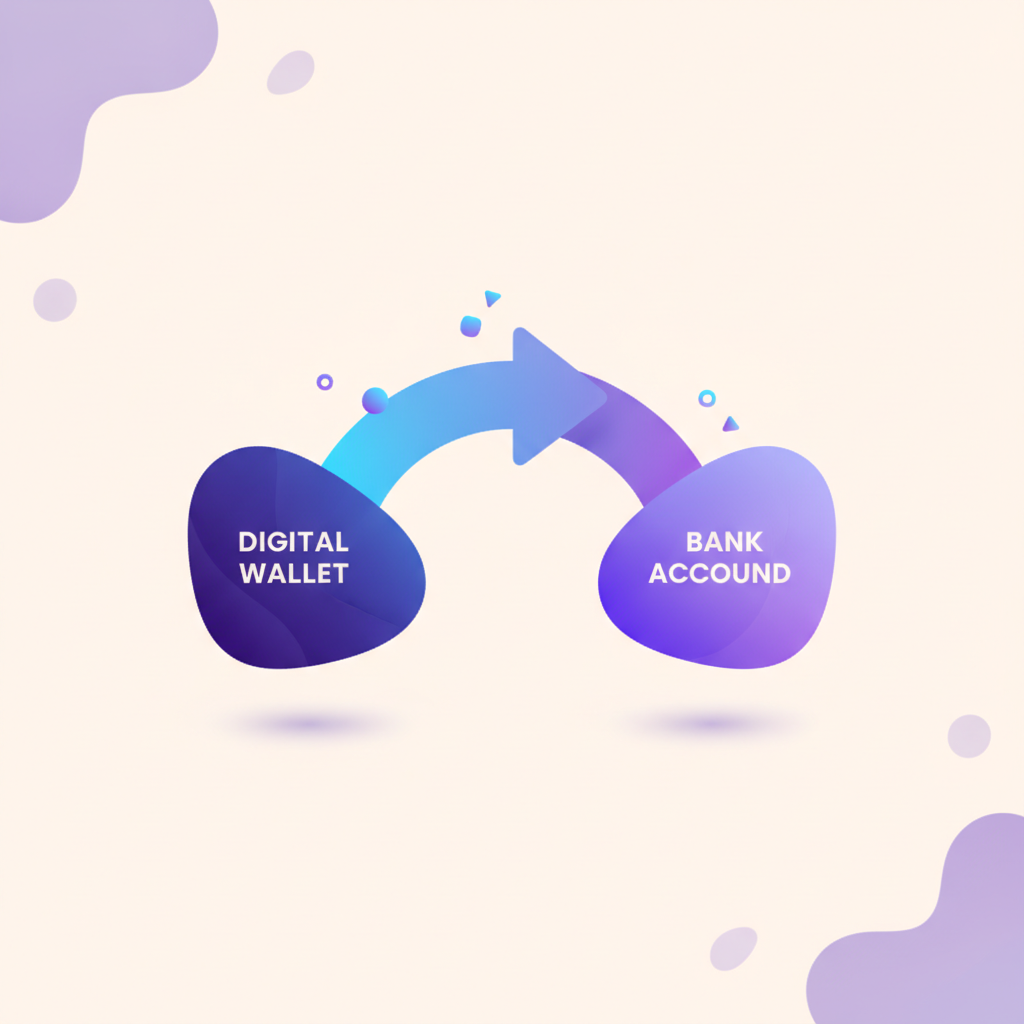
Quick answer: To send crypto to another wallet, choose a compatible wallet, enter the recipient’s address and network, double-check details, and confirm the transaction.
- Always verify the recipient’s wallet address and network.
- Transaction fees vary by network congestion and urgency.
- Test transfers with a small amount first to ensure accuracy.
- Keep your seed phrase secure and never share it.
- Irreversible transactions mean caution is crucial.
Before you start
- A compatible crypto wallet with funds.
- Recipient’s correct wallet address and network.
- Internet connection and device security.
- Knowledge of applicable transaction fees.
- Backup of your wallet’s seed phrase.
How to Send Crypto to Another Wallet: step by step
1. Open your crypto wallet
Launch the crypto wallet app or platform you intend to use. Ensure it supports the cryptocurrency you plan to send. If not, you may need to use a different wallet or exchange.
2. Navigate to the send function
Locate the ‘Send’, ‘Transfer’, or similar button within your wallet interface. This is usually prominently displayed and easy to find in most wallet apps.
3. Enter the recipient’s wallet address
Carefully input the recipient’s wallet address. Copy and paste is recommended to avoid typos. Double-check the address to ensure it matches exactly.
4. Select the correct network
Choose the appropriate blockchain network for the transaction. For example, if sending Ethereum, select the Ethereum network. Mismatching networks can lead to loss of funds.
5. Specify the amount to send
Enter the amount of crypto you wish to send. Ensure you have enough balance to cover both the transfer amount and the transaction fees.
6. Review transaction details
Check the transaction summary for accuracy. Confirm the recipient’s address, network, transfer amount, and the estimated fees. Mistakes at this stage can be costly.
7. Confirm and send the transaction
Authorize the transaction through your wallet’s confirmation process. This may involve entering a password, using two-factor authentication, or scanning a fingerprint.
8. Wait for confirmation
The transaction will be broadcast to the network. Wait for the required number of confirmations, which varies by network and can take minutes to hours.
9. Verify receipt
Once confirmed, verify that the recipient has received the funds. This can usually be done by checking the transaction status in your wallet or on a blockchain explorer.
Fees and how long it takes
Transaction fees depend on the network and its current congestion. For example, Bitcoin and Ethereum fees can fluctuate based on network activity. Fees are generally higher during peak times and lower during off-peak hours. The urgency of the transaction can also affect the fee; higher fees usually result in faster confirmations.
Transaction times vary widely. Bitcoin transactions can take 10 minutes to over an hour, while Ethereum transactions typically take a few minutes to process. Less congested networks may confirm transactions more quickly.
Tips to avoid mistakes
- Always double-check the recipient’s address and network before sending.
- Consider using a hardware wallet for enhanced security.
- Test with a small amount first to ensure accuracy and avoid loss.
- Keep your wallet software updated to benefit from the latest security patches.
- Be aware of phishing scams; only use trusted platforms and links.
Stay safe
- Never share your seed phrase or private keys with anyone.
- Ensure your device is free from malware and viruses.
- Use two-factor authentication (2FA) for added security.
- Beware of phishing attempts and only use official wallet apps.
- Understand that on-chain transactions are irreversible.
If something goes wrong
Transaction not confirming — Wait for more time or use a blockchain explorer to check the status. If stuck, contact wallet support.
Incorrect address entered — Contact the recipient and the wallet provider immediately. Recovery is unlikely, so always double-check addresses.
Insufficient funds for fees — Add more funds to your wallet to cover the transaction fees or cancel the transaction if possible.
Network mismatch — Ensure you select the correct network for the cryptocurrency you are sending. Mismatched networks can result in loss of funds.
Doing this as part of trading, income, or a disposal? See how it may be taxed in Tax by country and the taxable-events section — information, not advice.